Making Hybrid Meetings Interactive – Tools, Scenarios, and Agenda Suggestions
Share
Table of Contents
- Introduction
- Why Digital Collaboration Cards help in Hybrid Workshops
- Tool Stack: Whiteboards, Video & Interaction
- Scenarios & Card Usage in the Process
- Sample Agendas: 60/90/120 Minutes
- Facilitation Tips & Pitfalls
- Conclusion
1. Introduction
Hybrid workshops are demanding: One part of the group is on-site, another participates online. Without targeted moderation, a "two-tier meeting" is looming. Digital Collaboration Cards – i.e., card-based, interactive elements on whiteboards or in voting tools – connect both worlds. They bring structure to the conversation, make participation visible, and give the moderation clear, playful impulses. In this practical guide, we show how to meaningfully integrate cards into Miro, MURAL, or FigJam, which additional tools round off the experience, and how the agenda, breakouts, and evaluation run smoothly in hybrid settings. The workflows recommended here are based on proven best practices for online facilitation, hybrid meetings, and interactive formats.
2. Why Digital Collaboration Cards help in Hybrid Workshops
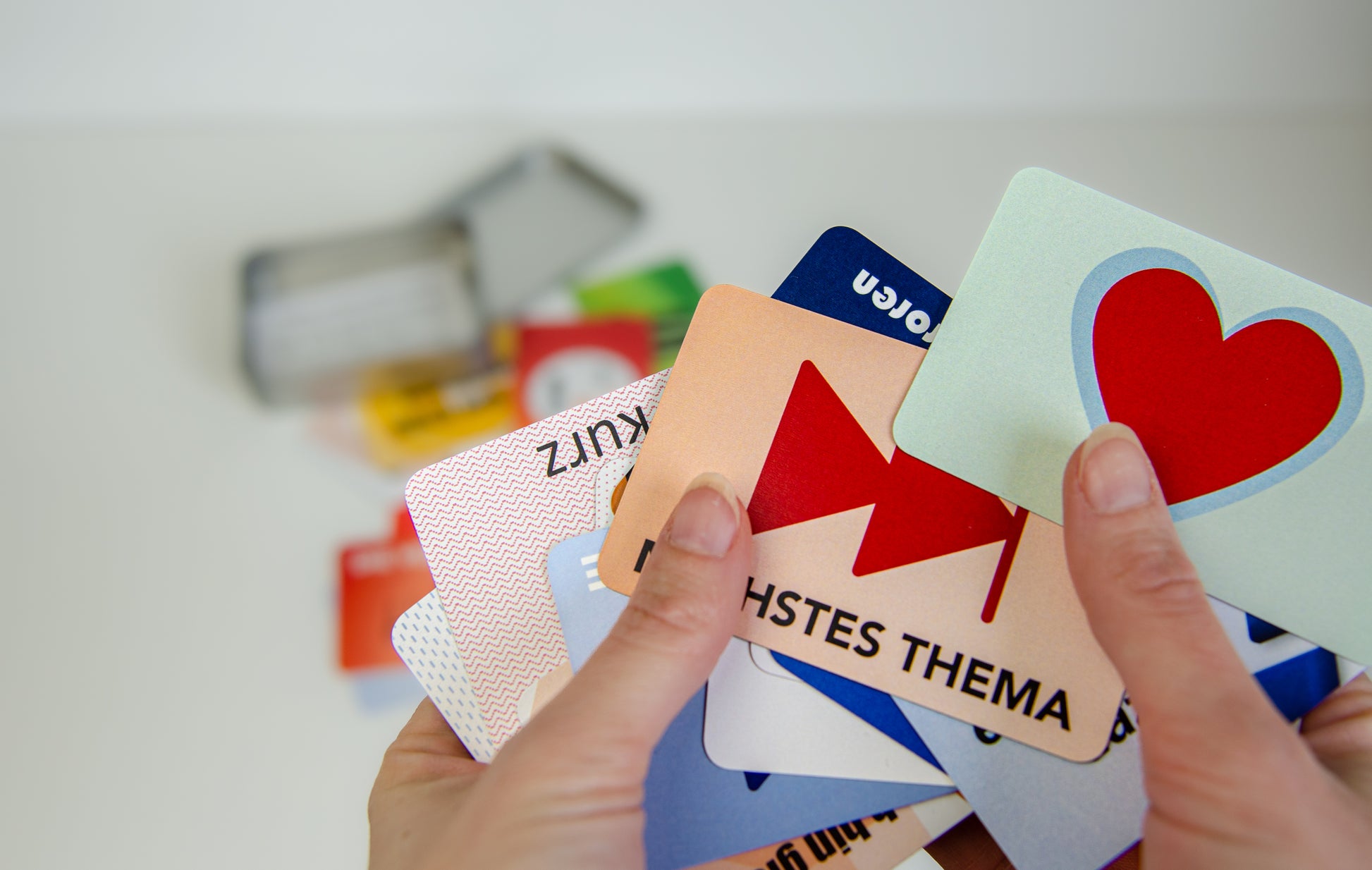
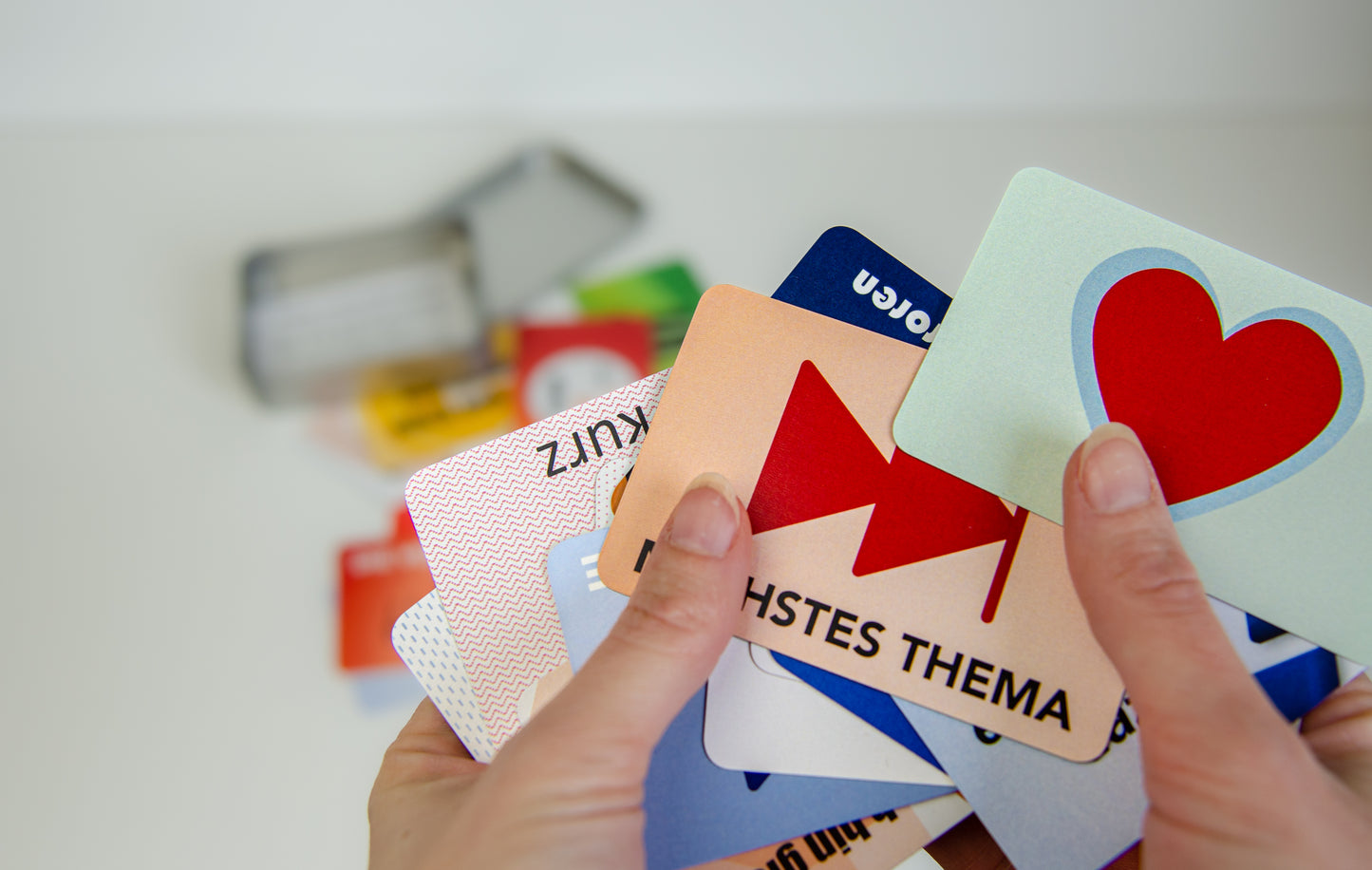
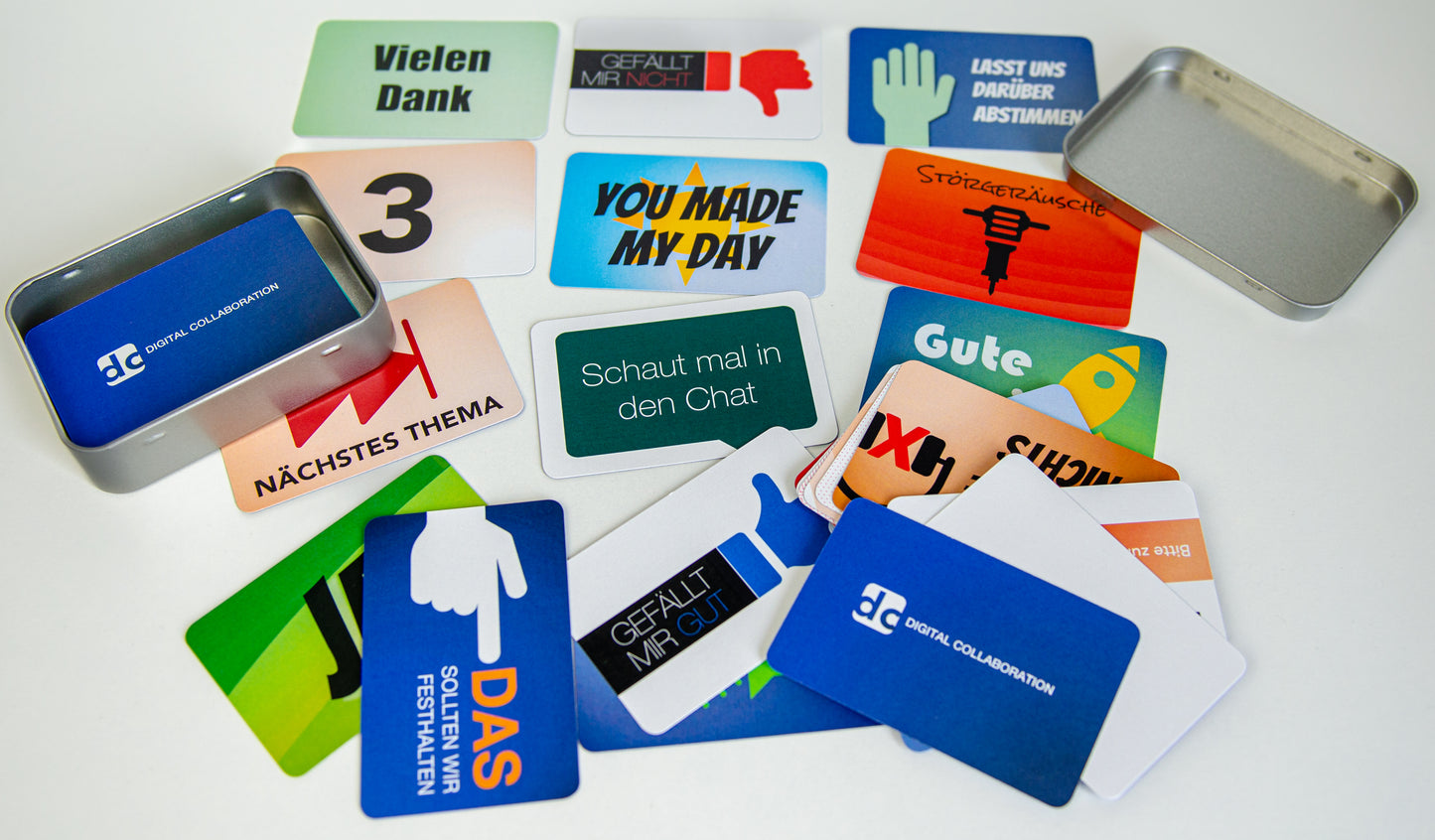
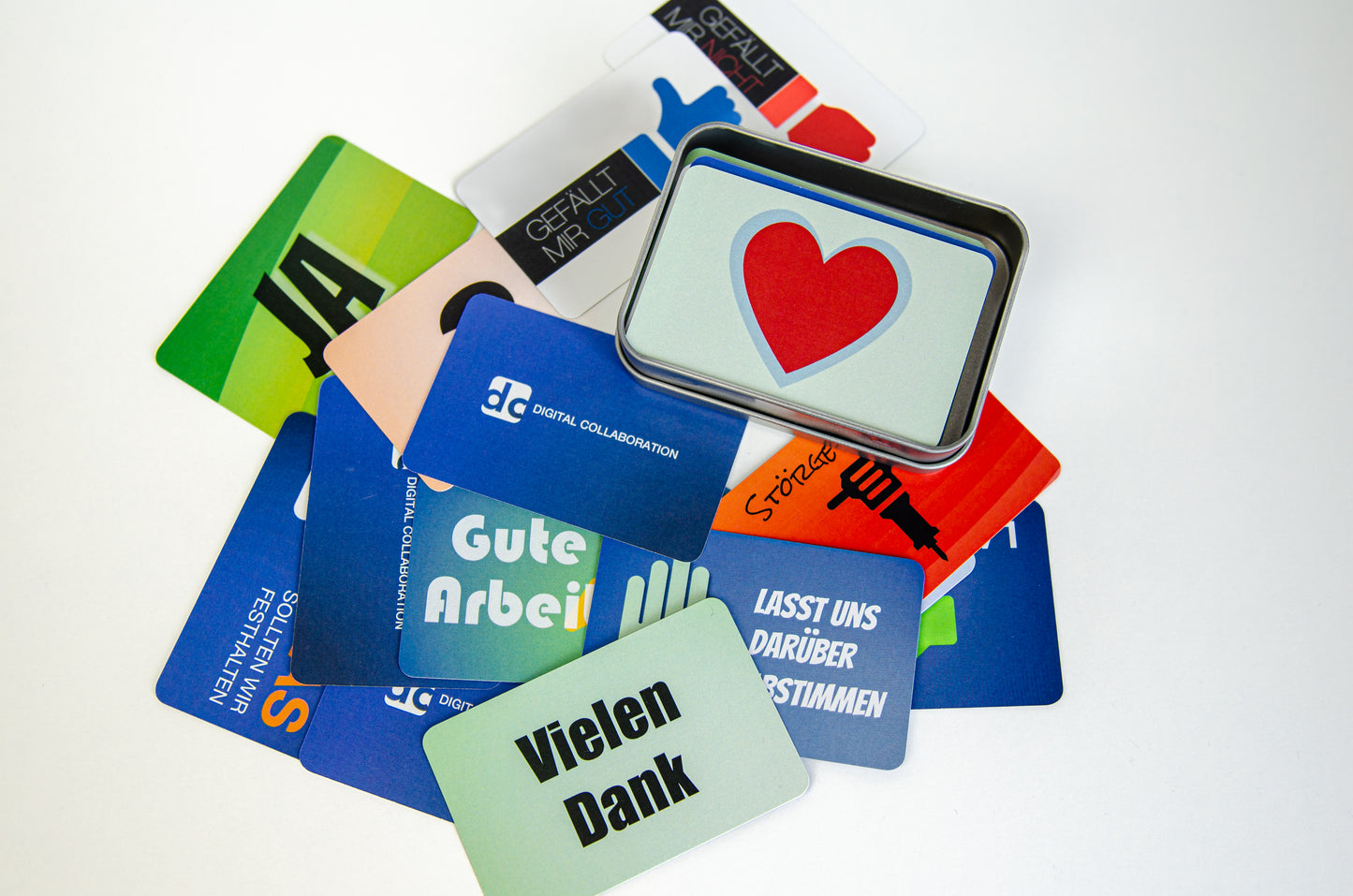
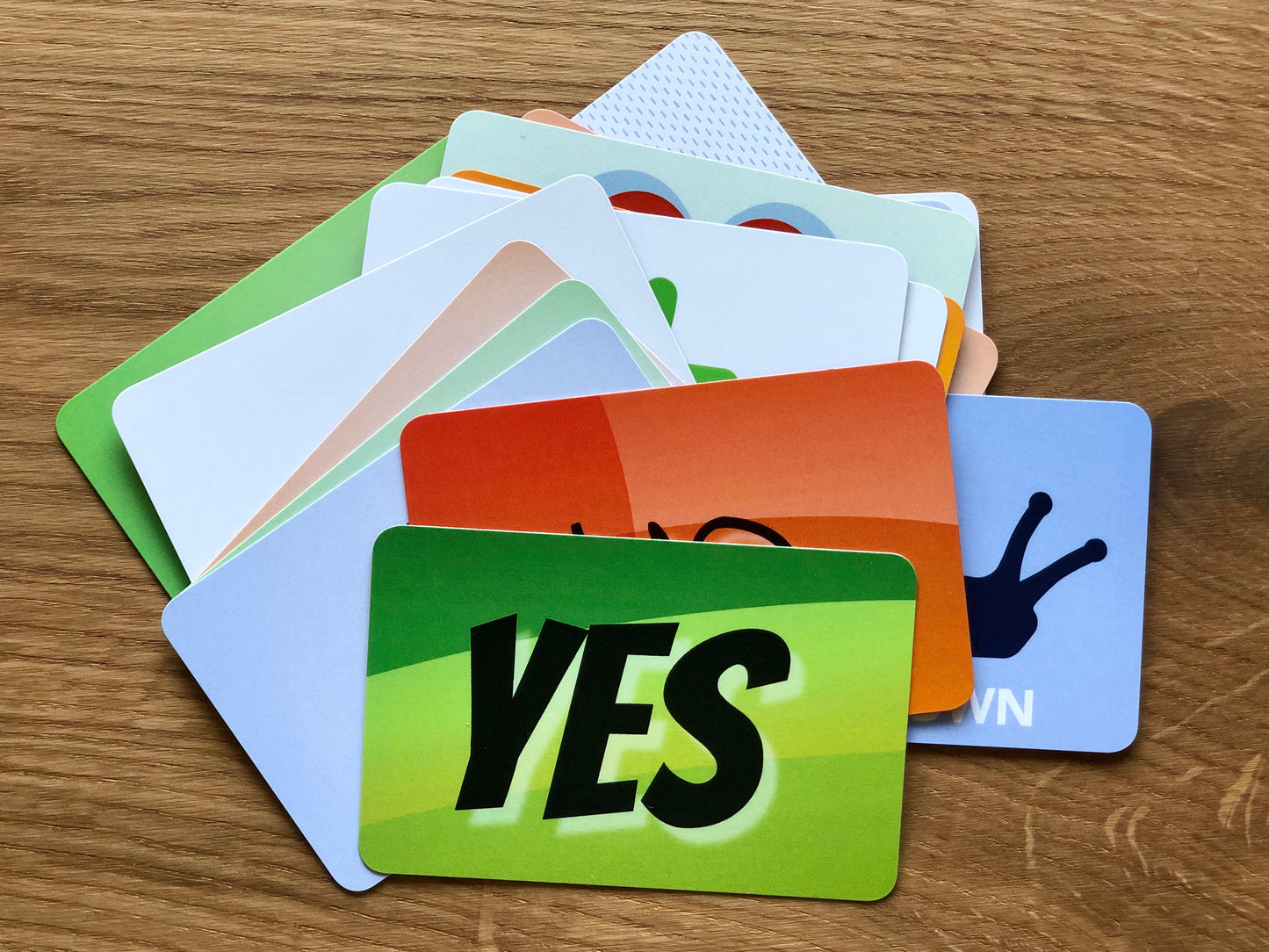
Cards are the lowest common denominator for interaction: they are quickly understood, visually clear, and can be processed synchronously and asynchronously. On digital whiteboards, card decks (e.g., decision, value, or energizer cards) are provided as pre-formatted frames, widgets, or templates. Participants drag, mark, or "play" cards – live in the plenary or in breakouts. This creates a low barrier to entry for participation and a common reference point for discussions.
For hybrid settings, this pays off twice: Digital cards give remote participants the same access as those in the room; at the same time, moderation and documentation can be done centrally on the board (no media disruption). Proven platforms for moderating and visualizing such elements are Miro, MURAL, FigJam, and co. – they provide specially curated templates and allow collaborative work in real time. A summary tool overview of whiteboards, engagement apps, and video conferencing software is provided by SessionLab; it mentions, among others, Miro/MURAL/FigJam, Mentimeter/Slido, and Zoom/Meet.
Especially when cards serve decision design, the use of existing, digitized methods is recommended. A prominent example is Delegation Poker from Management 3.0, which is available as a Miro template and can be played remotely/hybrid – ideal for making responsibilities transparent.
3. Tool Stack: Whiteboards, Video & Interaction
A stable stack for hybrid workshops consists of three layers: (1) an online whiteboard for cards, structure, and documentation, (2) a video conferencing solution with breakouts, screen sharing, and recording, (3) an interaction tool for live voting, questions, word clouds, and quizzes.
Whiteboards: Miro, MURAL, and FigJam offer large, zoomable workspaces, templates, and timers. Miroverse templates exemplify how card-based methods (e.g., Delegation Poker or complete Card Decks like "Workshops & Wizards") can be digitally implemented.
Video & Breakouts: For the video layer, Zoom, Microsoft Teams, or Google Meet are established; they offer breakout rooms, reactions, and often integrated surveys. Slido and Mentimeter can be natively integrated depending on the platform or used via a browser, increasing interaction, inclusion, and data collection in the hybrid format. Slido summarizes, among other things, "22 Best Practices" for hybrid meetings; Mentimeter shows which interactive formats (polls, Q&A, word clouds) have proven effective.
Facilitation Additions: For more complex, card-based formats, specialized workshop platforms exist (e.g., Klaxoon, Stormz, Butter) that bundle moderation tools, timers, breakout designs, and reporting. A broad, curated compilation of current tools is also provided by SessionLab.
Hybrid Framework Conditions: For hybrid events, a clean audio/video setup is also required (room microphones, camera setups, moderation monitors) and an agenda that balances in-person and remote interaction. Practical guides from providers such as SessionLab, vFairs, Swoogo, or TechnologyAdvice show how schedules, roles, and technology are set up so that both groups participate equally.
4. Scenarios & Card Usage in the Process
4.1 Warm-up & Onboarding
Start with a light, card-based warm-up on the whiteboard: Each person chooses one of three mood or focus cards ("Energy", "Distraction", "Goal") and places it with a short comment. This gives remote and on-site participants an equal voice and generates moderation signals for pace and depth. For hybrid events, relevant guidelines recommend intentionally designing the introductory situation and giving both subgroups opportunities for interaction early on.
4.2 Ideation & Prioritization
In the ideation phase, topic cards (e.g., "Need", "Risk", "Quick Win") can be created as slots on the board, into which participants drag digital stickies. The group then prioritizes with voting cards (points/hearts) or via live poll (Slido/Mentimeter). The combined approach – visual cards + live voting – reduces dominance effects and increases transparency. Interaction guides confirm that polls, Q&As, and ranking increase engagement and make remote voices visible.
4.3 Decision Design (e.g., Delegation Poker)
For role and decision questions, a card game approach has proven effective: Everyone secretly chooses a delegation card, reveals it simultaneously, and justifies their choice. The goal is not the decision itself, but consensus on how the decision is made. The method is available as a hybrid template (Miroverse/Management 3.0; Klaxoon also offers templates) – perfect for clarifying expectations and responsibilities.
4.4 Retrospectives & Feedback
Digital cards are excellent for retrospectives: workspaces with columns like "Start/Stop/Continue" or "Mad/Sad/Glad"; each person drags cards or stickies into the appropriate column. The result is immediately documented and can be converted into action items (e.g., with color-coded task cards). Many whiteboard libraries contain ready-made retro templates; practical reports show how AI features and board automations lighten the moderation load.
5. Sample Agendas: 60/90/120 Minutes
5.1 60 Minutes – "Problem Focus & Quick Wins"
0–10′ Arrival & Warm-up (mood/focus cards, 1 sentence per person).
10–25′ Problem Clustering (topic cards + stickies; remote and in-person parallel).
25–40′ Prioritization (voting cards or Slido ranking).
40–55′ Measure Design (create owner cards, define first steps).
55–60′ Check-out (one reflection card/emoji per person).
5.2 90 Minutes – "Ideation & Decision"
0–10′ Warm-up (energy/goal cards).
10–30′ Ideation (5-5-5: three rounds with different card prompts).
30–50′ Clustering & Voting (board voting + Mentimeter best-of-3).
50–80′ Decision Design (delegation cards; discussion until consensus).
80–90′ Commit cards (who does what by when?).
5.3 120 Minutes – "Hybrid Strategy Workshop"
0–15′ Onboarding & Tech Check (audio/cameras, board access, roles).
15–35′ Context Cards (goals, risks, assumptions).
35–70′ Workgroups in Breakouts (each group works on a card set).
70–95′ Plenary: Synthesis with Card Wall (Dot-Vote + Q&A).
95–115′ Roadmap Cards (quarterly milestones, responsibilities).
115–120′ Retro Mini (Stop/Start/Continue cards) & next meeting.
The agenda logic follows proven recommendations to deliberately pace hybrid sessions, activate interaction early, and make data/results visible.
6. Facilitation Tips & Pitfalls
Ensure equality: Avoid "side conversations" in the room; let everyone interact via the board and use the chat/Q&A channel for remote questions. Clarify roles: Host (video), Facilitator (methodology), Producer/Co-Facilitator (board/tech). Test technology: Check camera framing, microphone setup, and screen readability beforehand. Change energy: Switch format every 15–20 minutes (plenary ↔ breakout ↔ voting). These principles align with common hybrid best practices and tool guides.
Curate templates: Use existing templates (e.g., Miroverse Delegation Poker, card-based sets like "Workshops & Wizards") and adapt them to your workshop context. This saves preparation time and benefits from tested layouts.
Save data & follow-up: Export board frames, votes, and chat logs; send a short results deck. Many guides on hybrid events emphasize the importance of follow-up (highlights, replays, artifacts) for transfer and ROI.
7. Conclusion
Digital Collaboration Cards make hybrid workshops tangible, fair, and interactive. They provide clear prompts, share speaking time, strengthen inclusion, and immediately document results. With a well-tuned tool stack (whiteboard + video + engagement) and suitable templates, almost all workshop phases – from warm-up to ideation and decision-making to retrospective – can be consistently moderated using cards. Use proven templates, establish clear roles, and keep energy high with short cycles. This way, hybrid workshops become not a makeshift solution, but a strong, scalable format.